Joining the server is easy! You don't need any mods installed and you can join on any device that can play Minecraft (yes, even a fridge!).
To start, pick the type of device you're using below.
💡
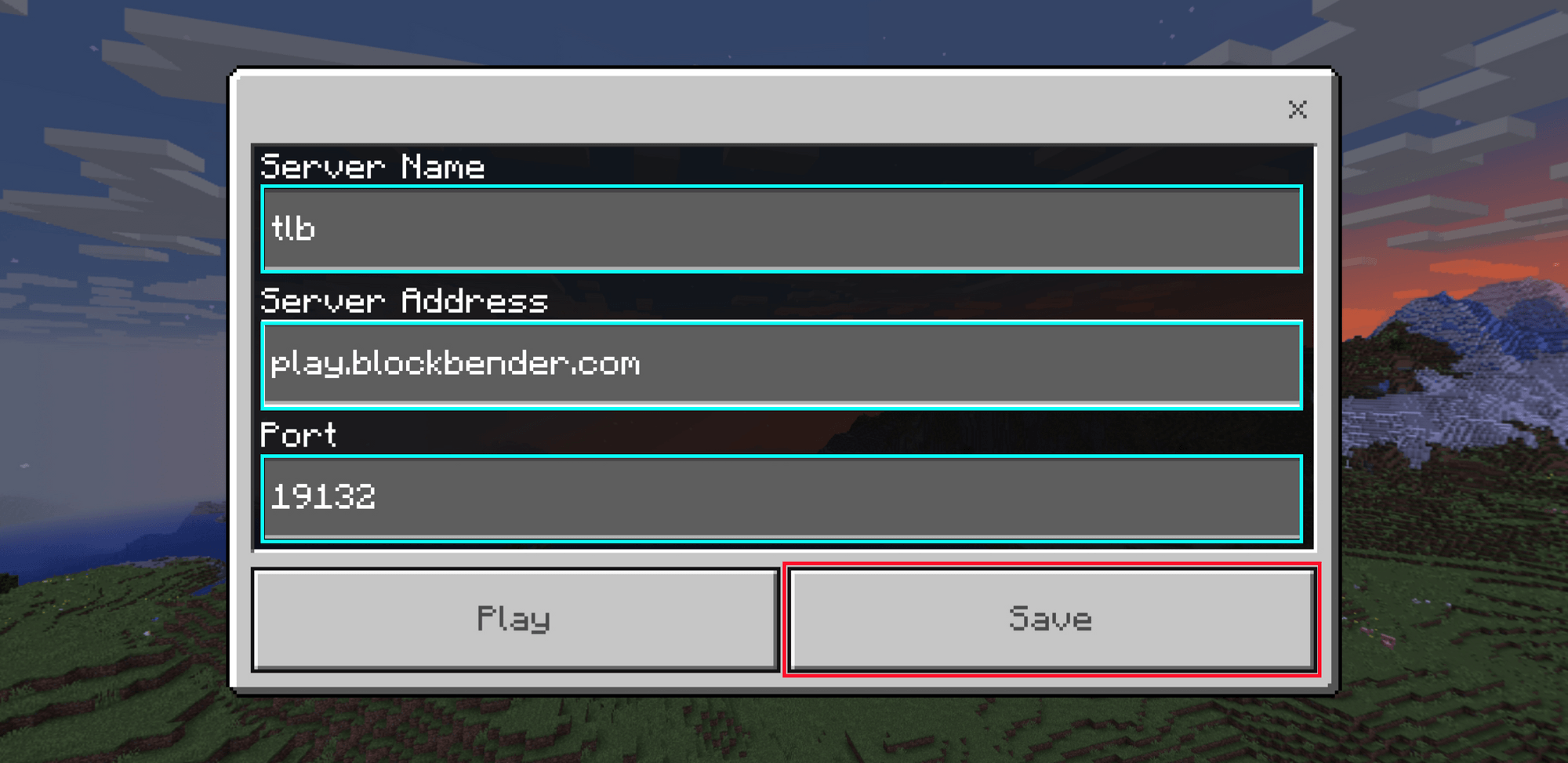
For all devices, you'll need the IP (and port for bedrock): play.blockbender.com and bedrock port 19132
Java Edition is the default version for joining the server, and requires the least steps.
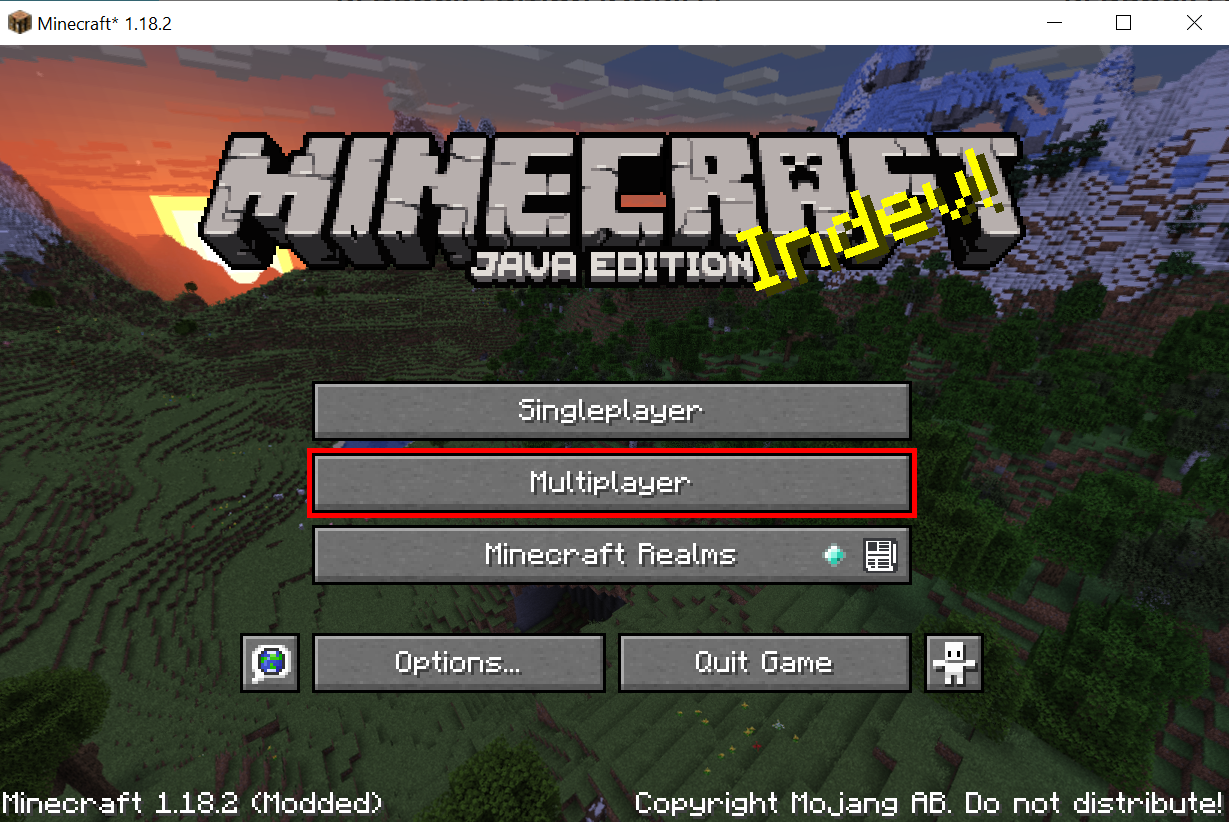
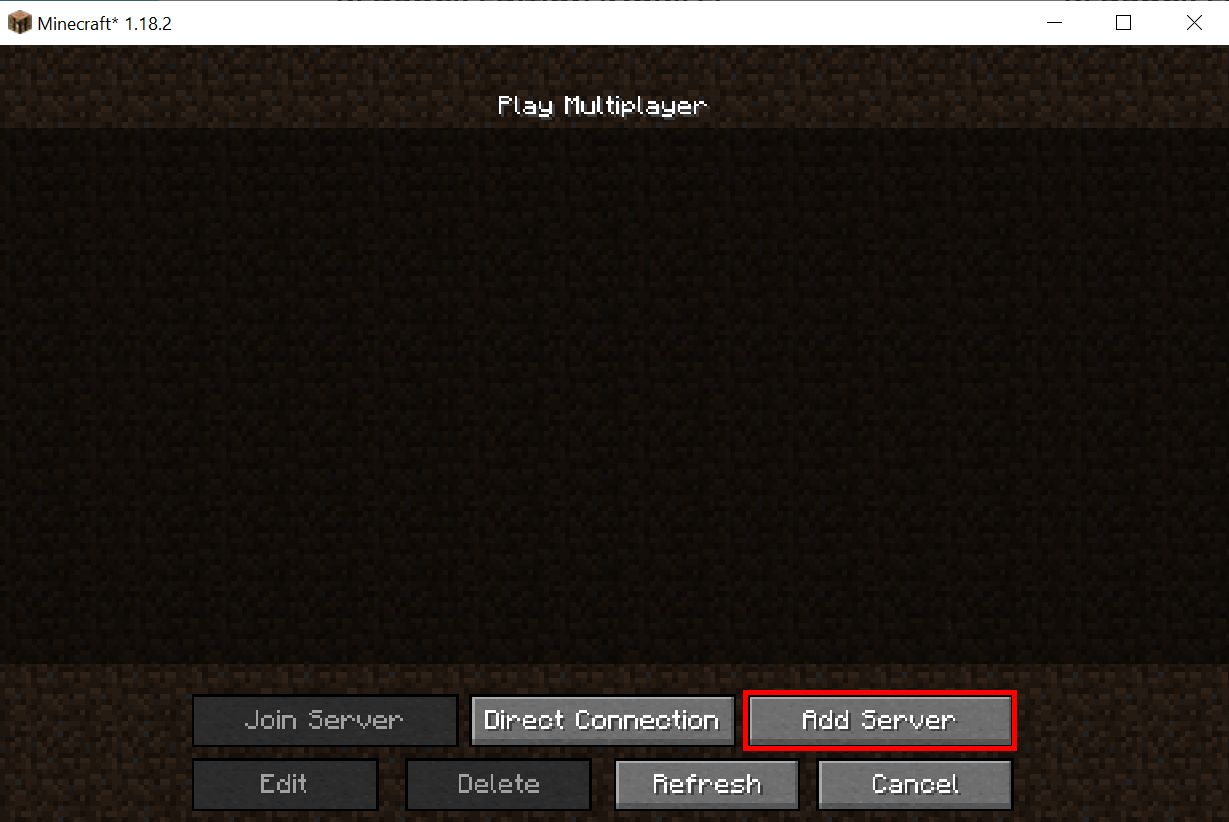
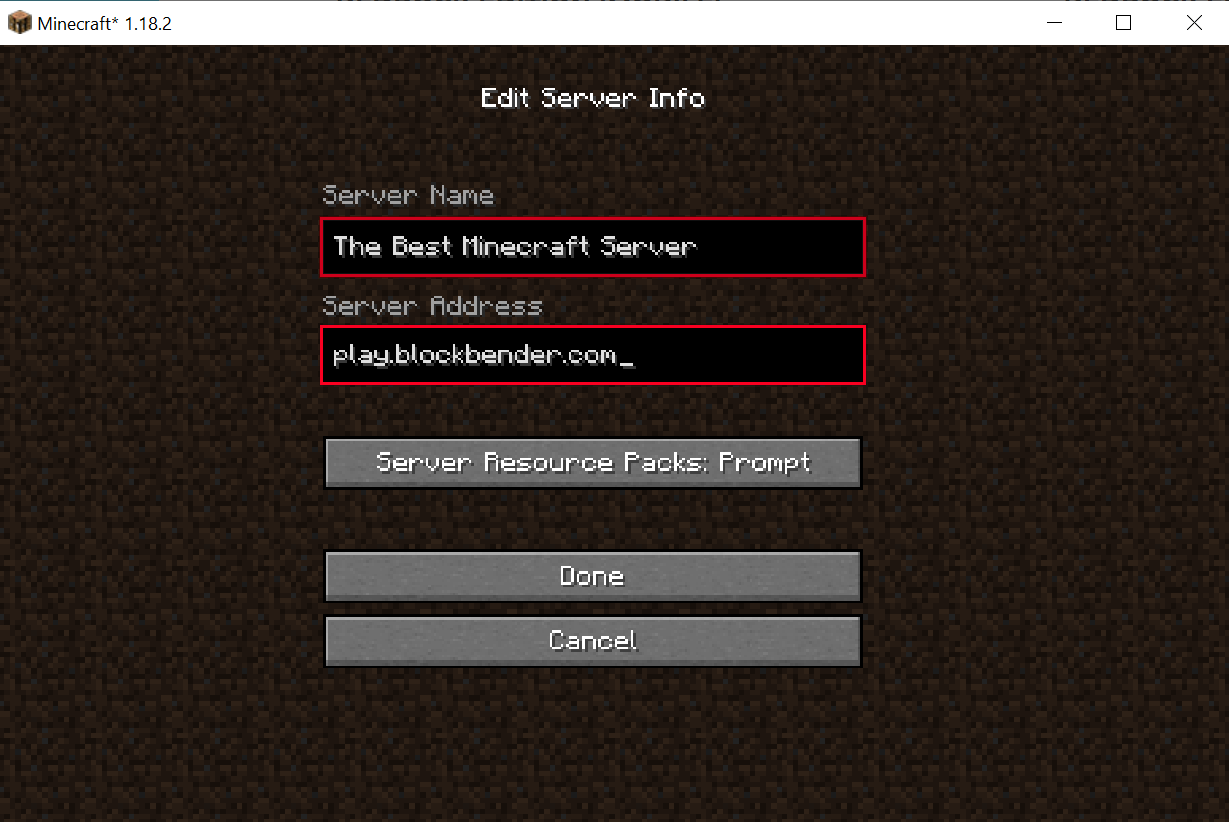
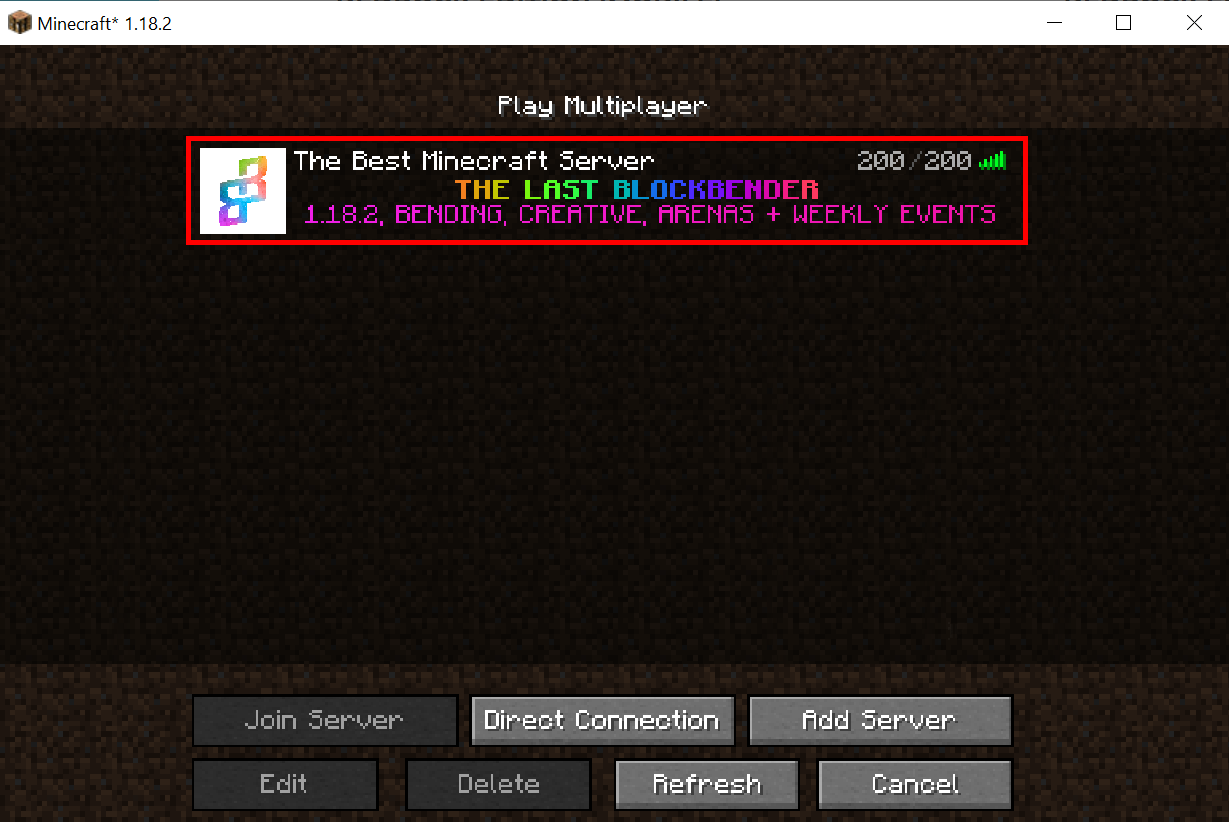
All you need to do is open up Minecraft Java Edition version 1.16 or newest (usually just the latest version is fine), enter the IP play.blockbender.com, and join the server.
Bedrock Edition covers the special Windows 10 Edition, MC on a phone, and MC on a tablet.
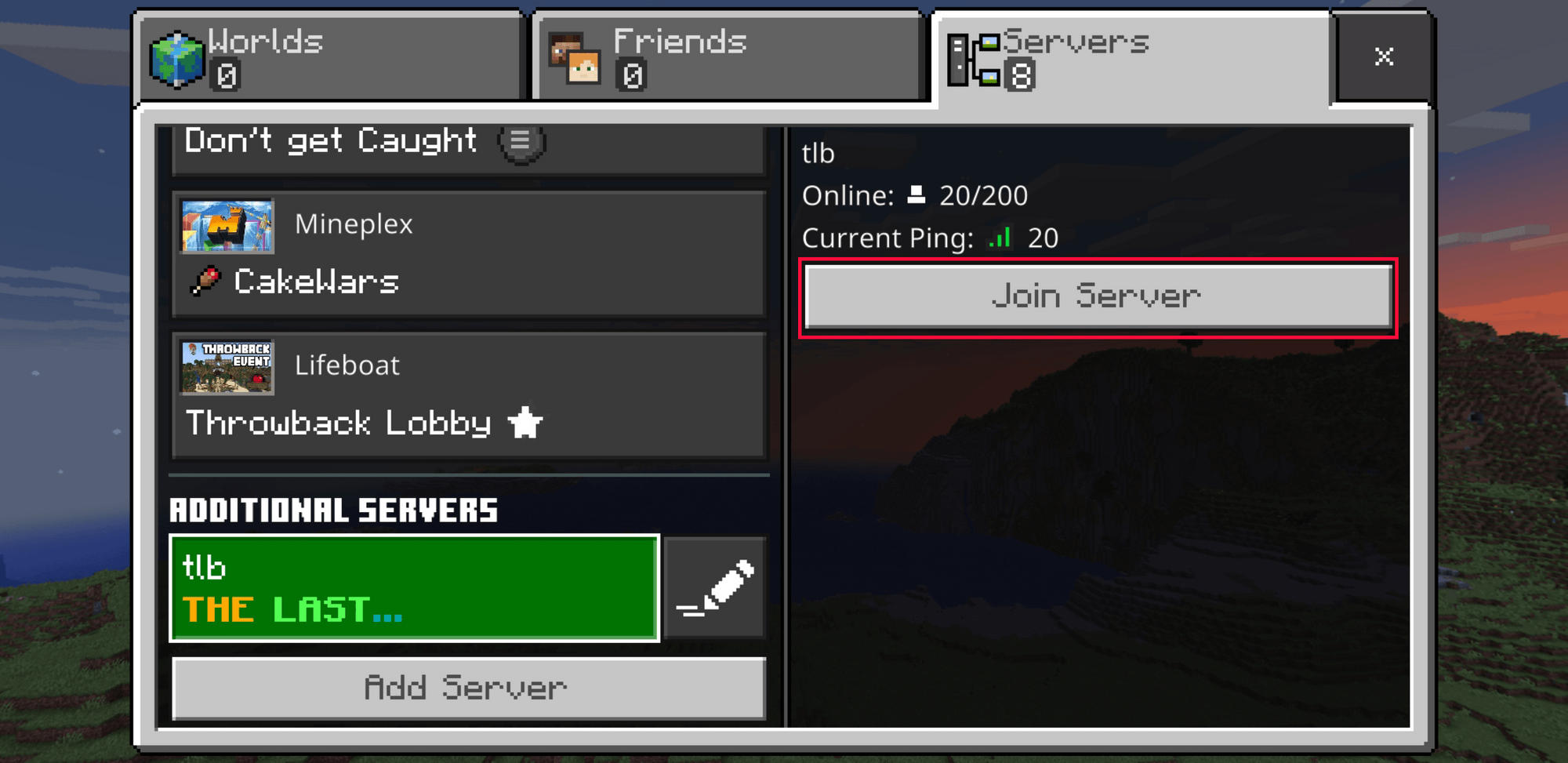
All you need to do is open up Minecraft on your device, enter the IP play.blockbender.com, enter the port 19132, and join the server. You can enter any name you want for the server.

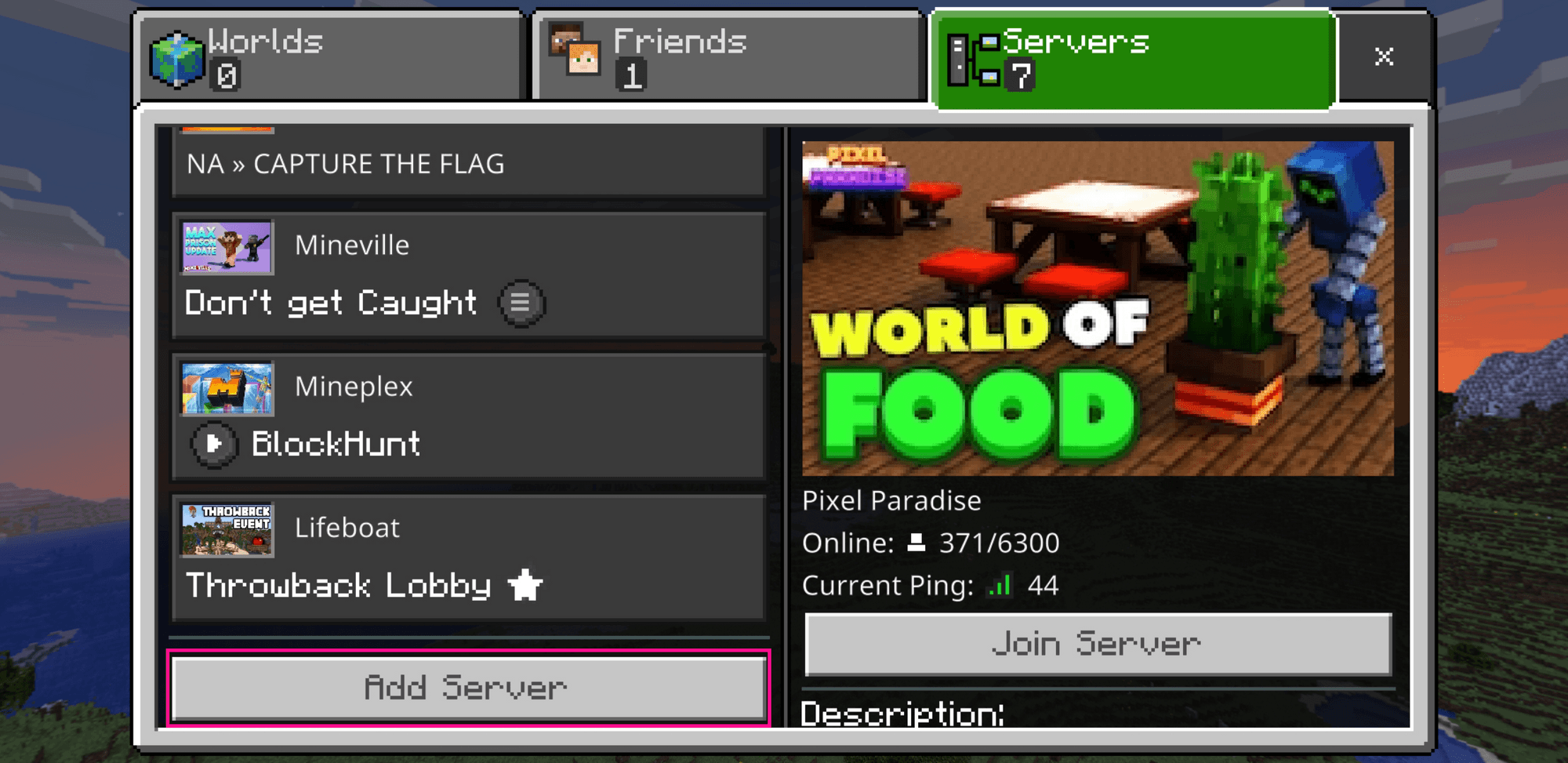
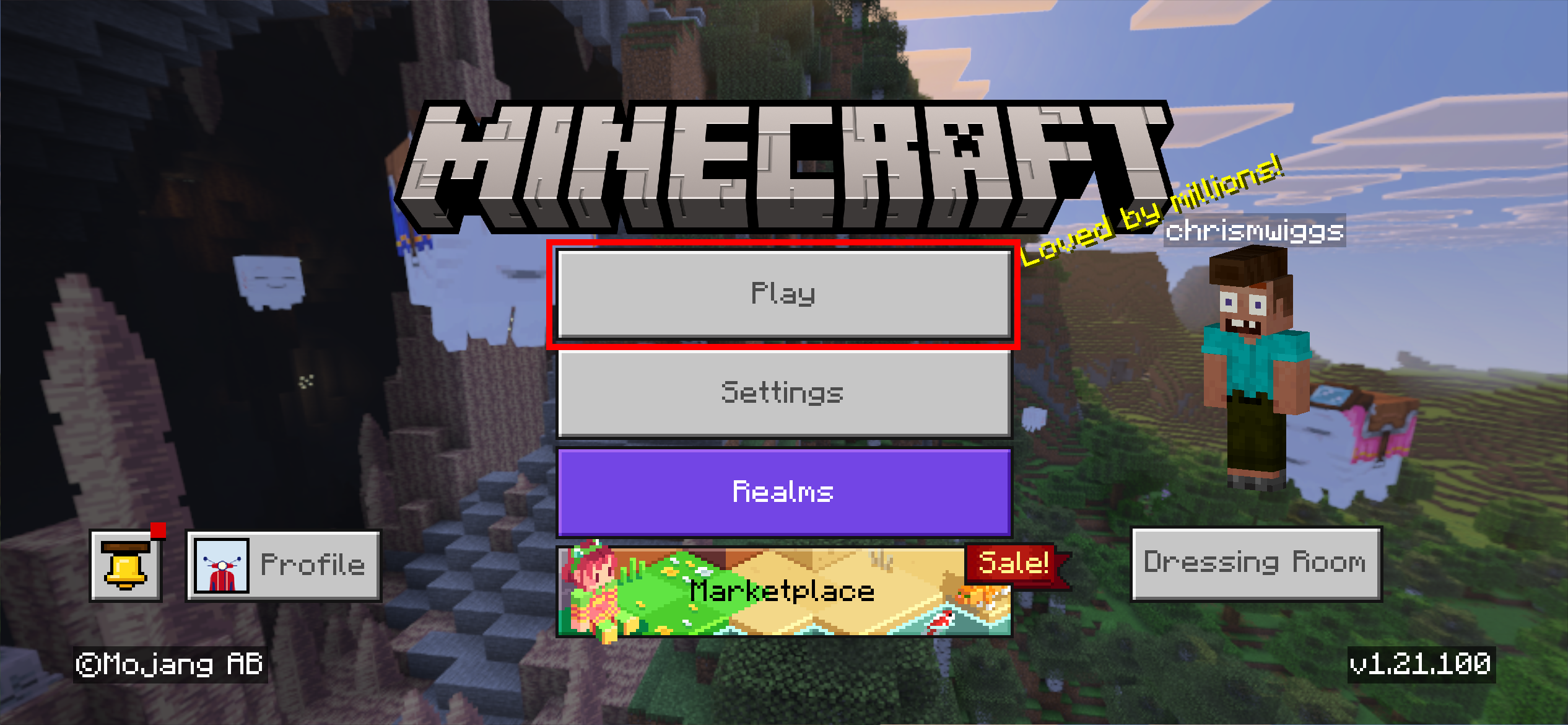
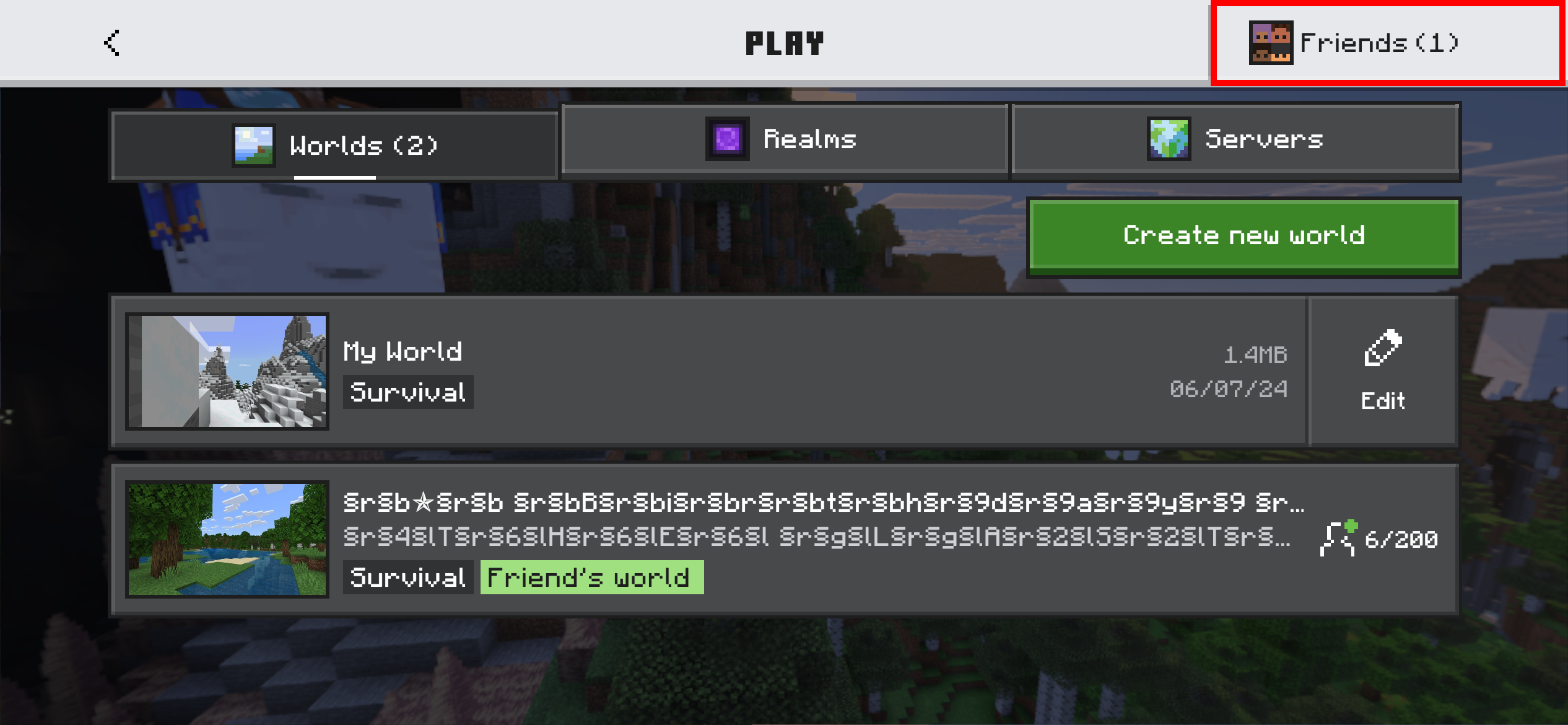
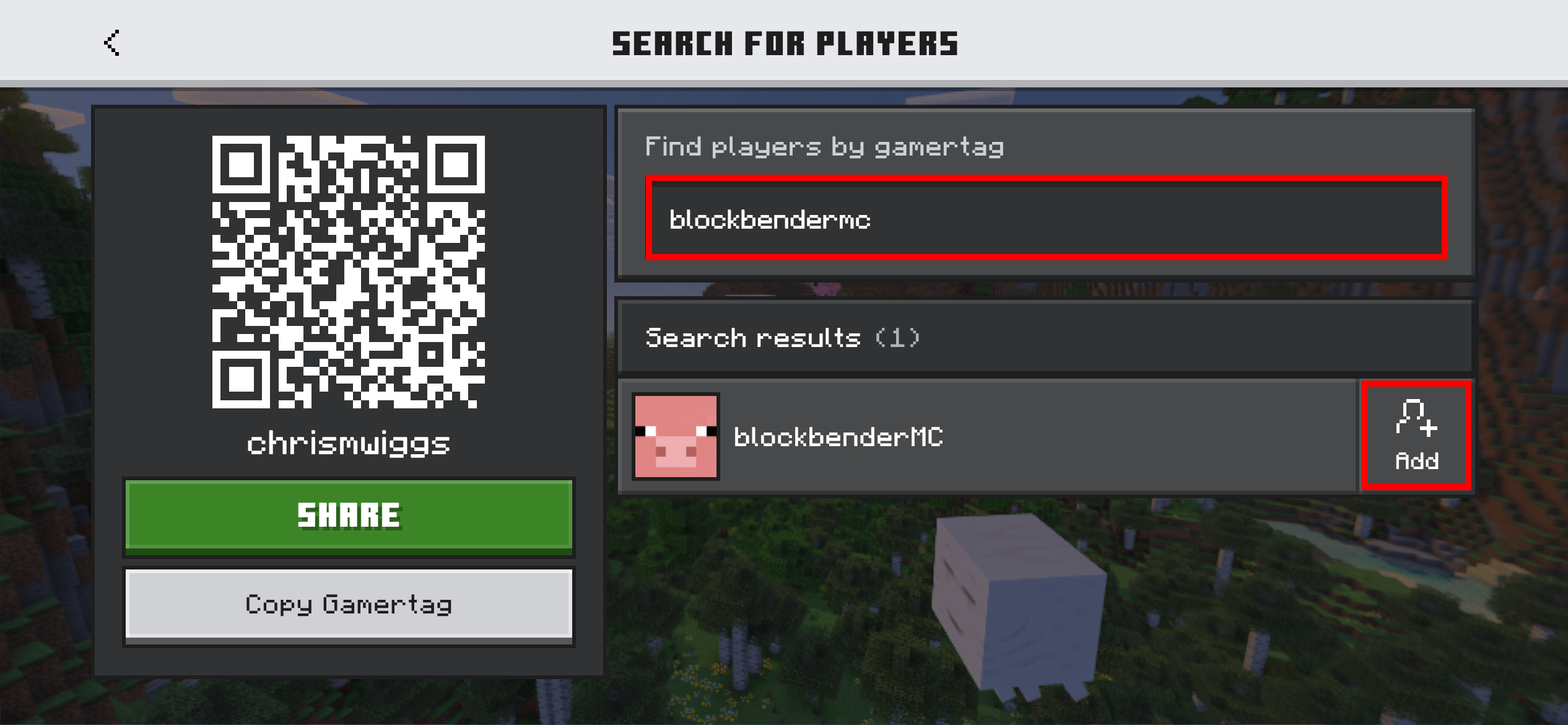
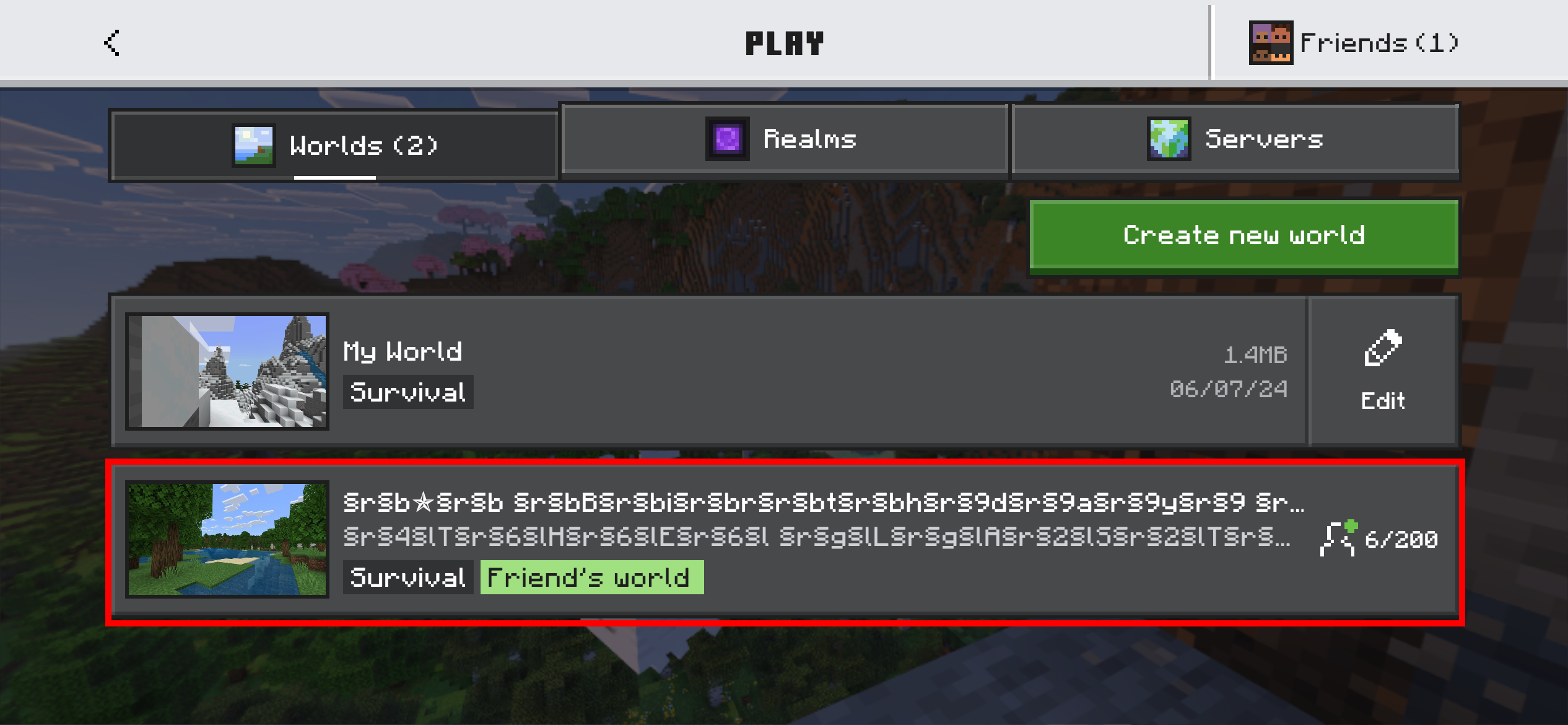
Bedrock Edition is available on most major game consoles, including the PS4/5, Xbox and the Switch. These devices don't support 3rd party servers by default, but there is still a way to connect!
The easiest way to join is to add the player "blockbendermc" as a friend and then join their game as if you were joining a real person. This will connect you to the server!